
For each app I've followed a similar workflow/methodology that gives me consistent results. These can be used with any AI coding agent or vibe coding platform, but I was specifically testing my own platform, Subterranean.
This workflow basically boils down to:
Starting prompt: Come up with the high level plan for the most basic prototype for the app you want to build. Only ask for 1 or 2 key features and the basic layout and concept. It's helpful to ask AI to help draft a plan or use a planning mode if available.
Clarifying questions: Use the AI not just as a coder but also as a general tool to do discovery. Ask for different choices to implement certain features so you can make the most informed decision.
Features: Now that you have the foundation of your app and have more context knowledge, you can start the real vibe coding loop of building new features, testing, and modifying.
Here's the general workflow and demo link for each of 4 apps I started working on:
1. Task Management Kanban Board
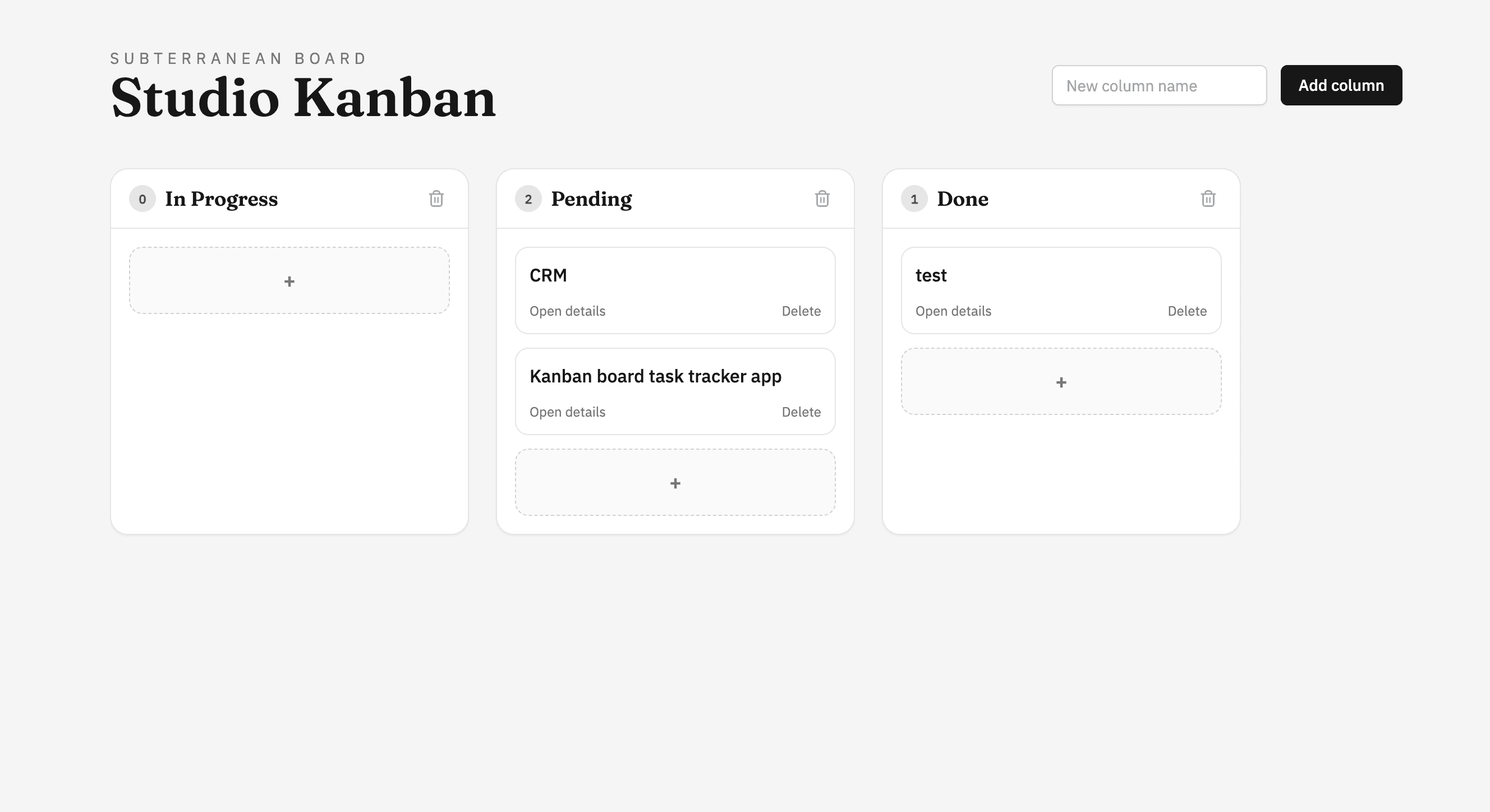
Base prompt: "Build a kanban-style task management board with three default columns: To Do, In Progress, and Done. Cards should be draggable between columns. Each card just needs a title, description, and a color-coded priority label. Keep it clean and minimal."
Clarifying questions
- "What's the best way to handle drag-and-drop — should we use a library like dnd-kit or build custom drag logic?"
- "What data structure makes it easiest to reorder cards within and across columns?"
- "Should card state persist in local storage or is in-memory fine for the prototype?"
Features
- Subtasks/checklists within cards
- Due dates with overdue highlighting
- Column customization — rename, add, reorder, and delete columns
- Search and filter by priority or keyword
- Dark mode toggle
- Card count badges per column
2. Lightweight CRM
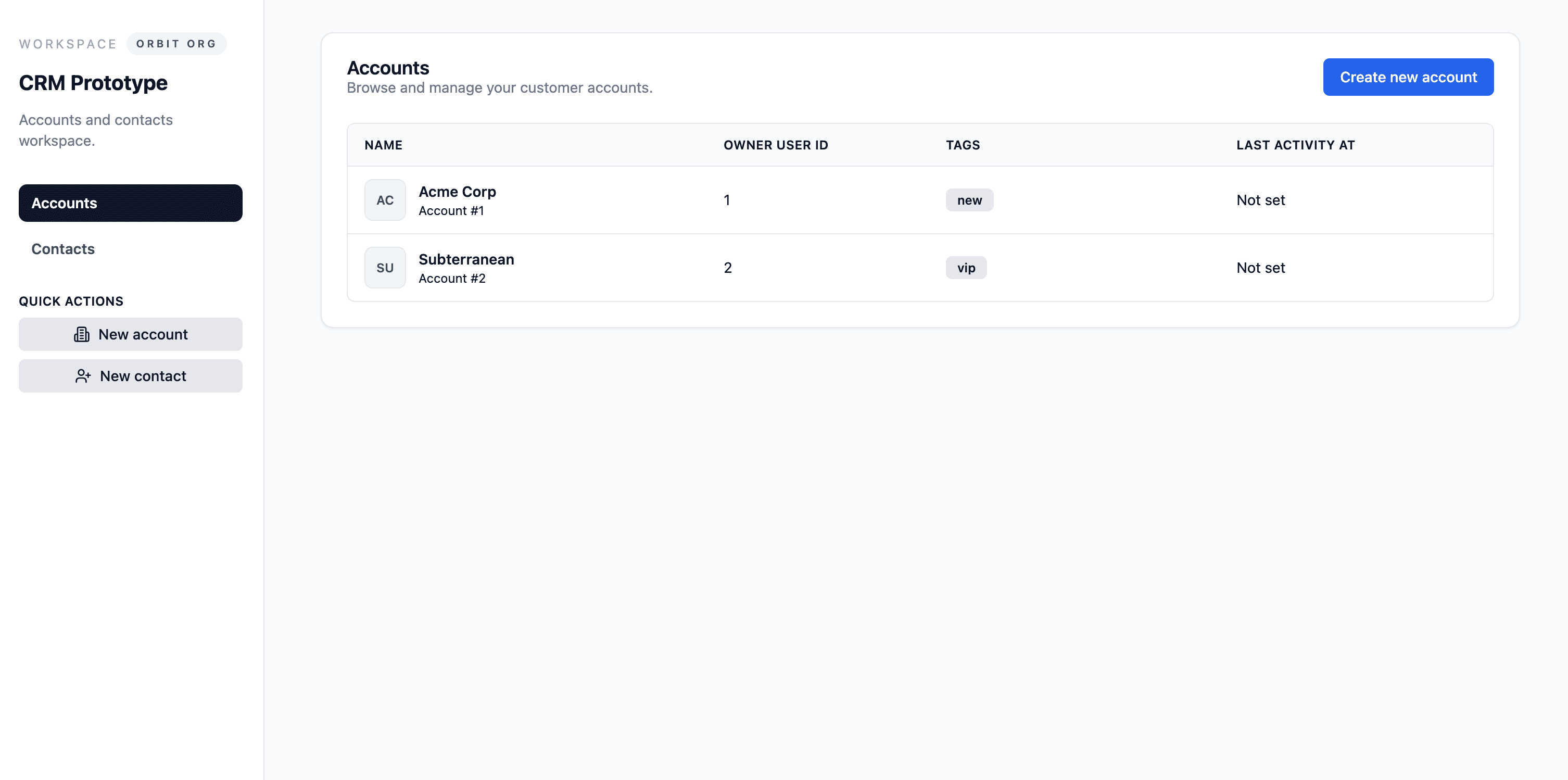
Base prompt: "Create a simple CRM where I can add contacts with a name, email, company, and status like Lead, Active, or Churned. I want a table view of all contacts with the ability to click into a detail view for each one. Keep the layout professional and dashboard-like."
Clarifying questions
- "Should contacts be grouped or filterable by status, or is a single flat table enough to start?"
- "What fields would be most useful on the detail view — just the basics, or should we include a notes/activity log from the start?"
- "Would a pipeline-style view (similar to the kanban) be more useful than a table for tracking deal stages?"
Features
- Interaction timeline/notes log on each contact's detail page
- CSV import and export for contacts
- Dashboard summary with counts by status and a simple conversion funnel visual
- Tag system for custom categorization beyond status
3. Portfolio Website
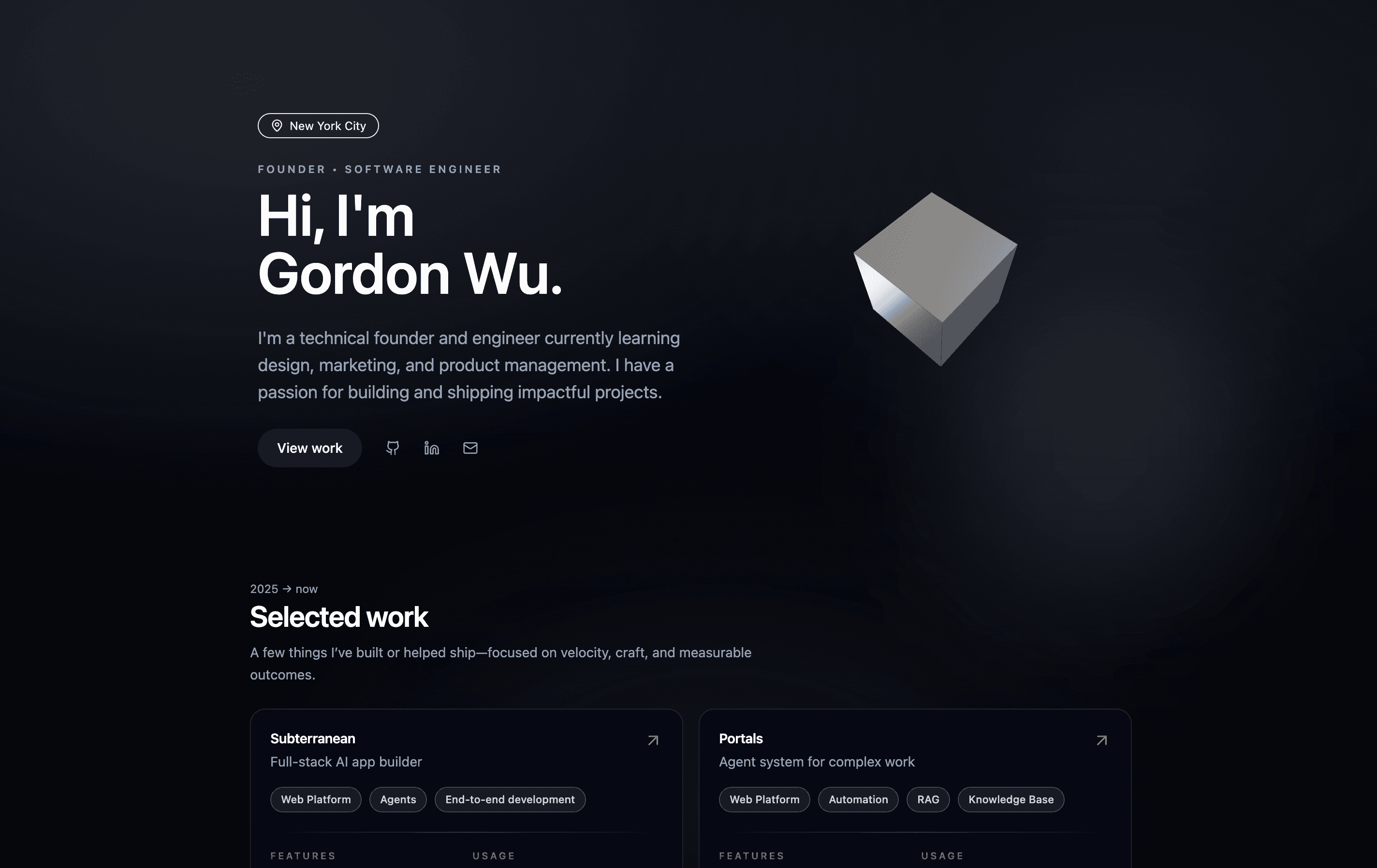
Base prompt: "Build a personal portfolio site with a hero section including my name and a short tagline, a projects section with cards that show a thumbnail, title, and short description, and a contact section at the bottom. Modern, minimal aesthetic — think lots of whitespace, clean typography."
Clarifying questions
- "What layout style for the projects section — grid of cards, or a stacked/alternating layout with larger images?"
- "Should we include smooth scroll navigation from a sticky header, or keep it simpler with just sections?"
- "What color palette direction — monochrome and professional, or something with a bold accent color?"
Features
- Smooth scroll navigation from a fixed top nav
- Subtle scroll-triggered animations on project cards and section headings
- A stack or skills section with icon badges
- Project cards clickable to expand into a detail view with more images and a longer description
- Downloadable resume button in the hero section
4. 2D Game Demo in HTML5
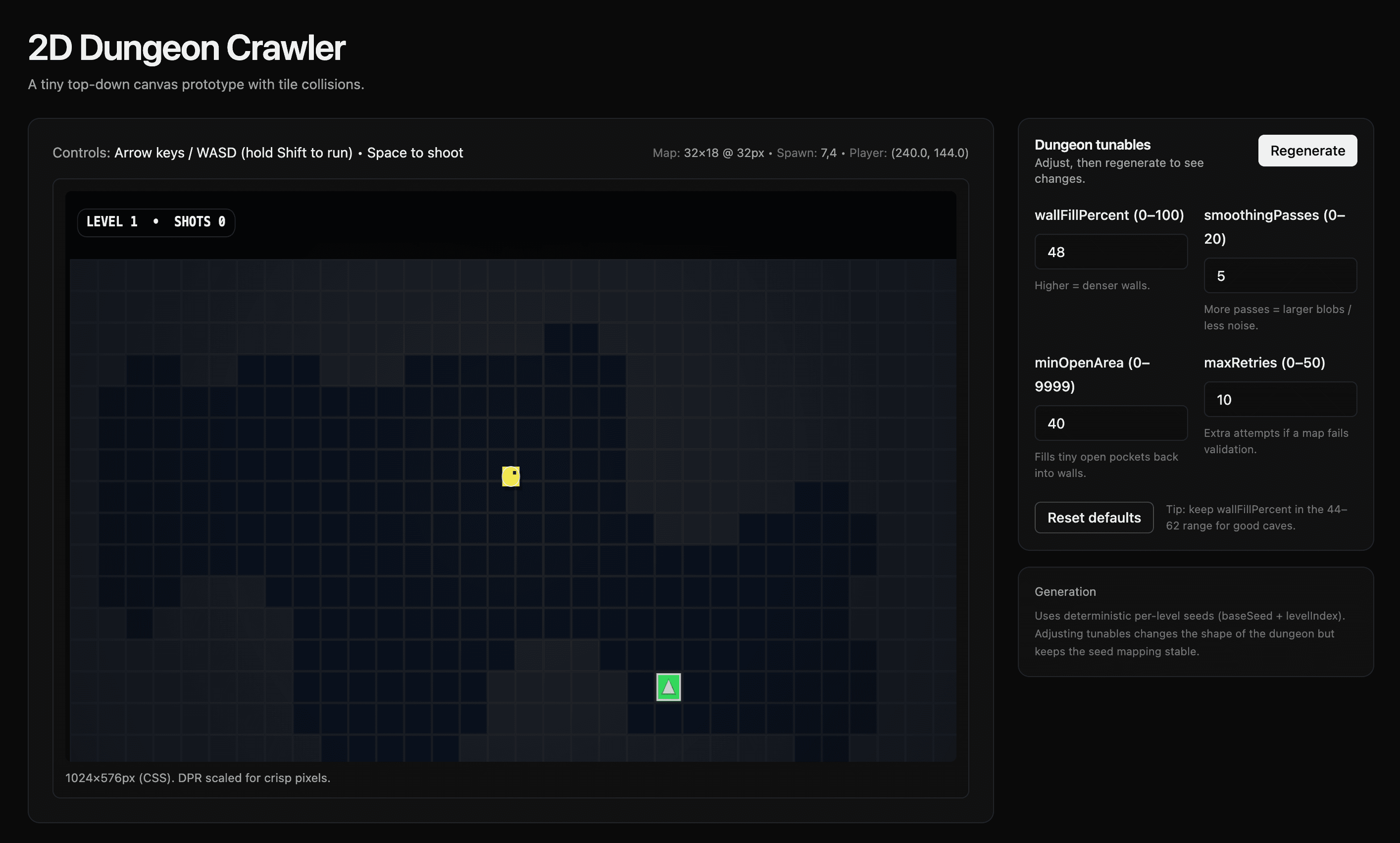
Base prompt: "Build a simple 2D top-down game in HTML5 Canvas where a player character moves around with arrow keys or WASD in a bounded play area. Add a few randomly placed collectible items and a score counter. Keep the art style simple with colored shapes or basic sprites."
Clarifying questions
- "How does HTML5 handle the game loop? And how does the canvas work?"
- "Should collision detection be rectangle-based or circle-based for the collectibles?"
- "Do we want a fixed camera or should the viewport scroll to follow the player across a larger map?"
Features
- Enemy sprites that patrol in set patterns and cause a game-over on contact
- Player shooting projectiles
- Timer-based challenge mode alongside the score system
- Multiple levels with increasing difficulty
- Start screen, game-over screen with final score, and restart functionality
What Will You Build?
These examples only scratch the surface. Whether you're prototyping a SaaS tool, spinning up an internal dashboard, or experimenting with something entirely new, Subterranean gives you the full stack — data, functions, auth, and deployment — so you can focus on the idea.