
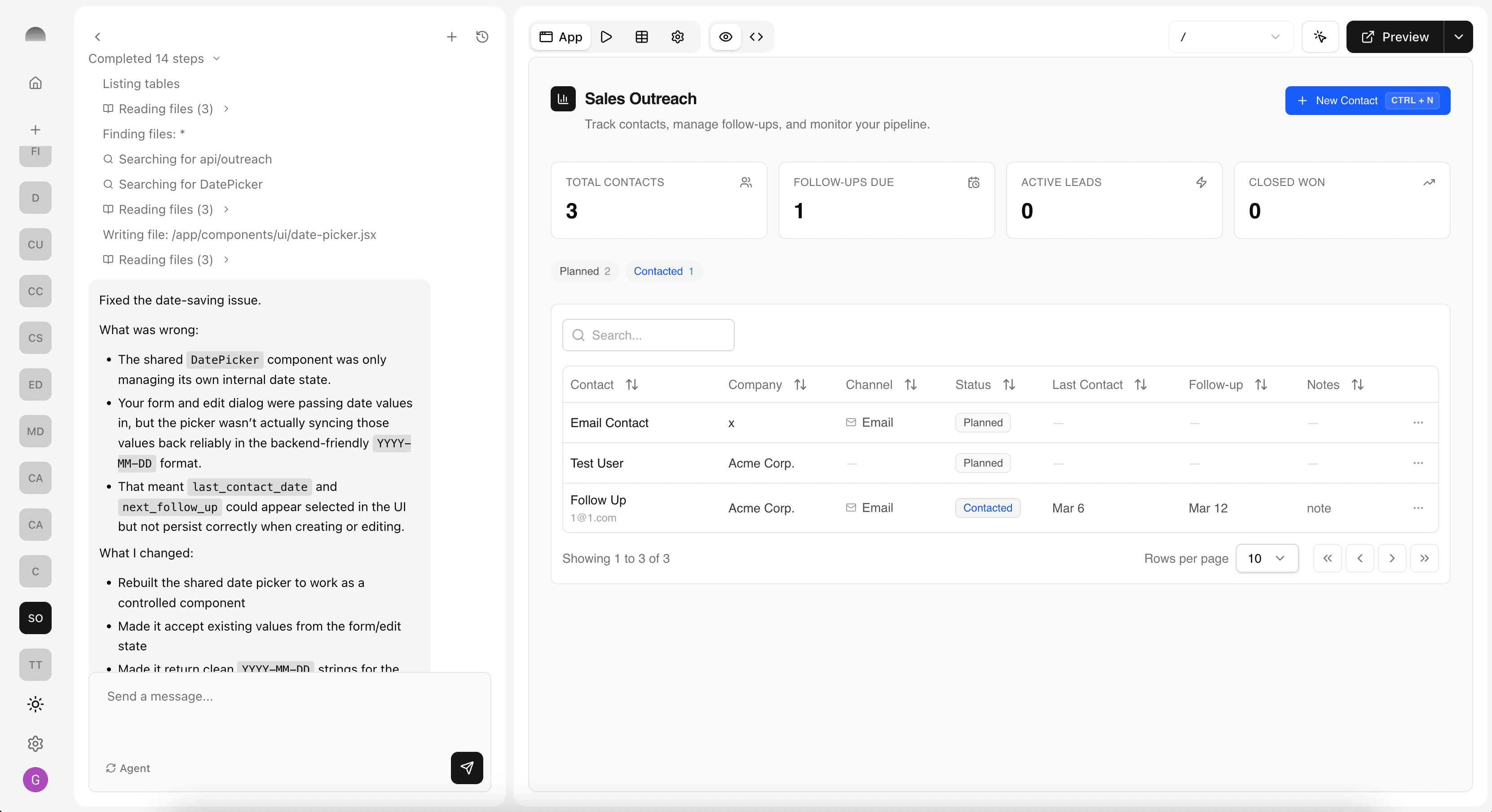
Subterranean brings together everything you need to build full-stack apps with AI — from brainstorming and planning to database design, backend logic, and deployment. Instead of stitching together a dozen tools, you work inside a single environment where specialist agents handle the heavy lifting.
This post walks through each core feature with inline previews so you can see what the experience actually looks and feels like. Think of it as a guided tour — no sign-up required.
1. Agentic Assistant
The Assistant is your primary interface for building. Describe what you want in plain language and the agent writes code, creates database tables, generates functions, and wires everything together. It's not a simple chatbot — it's an agentic system that takes actions on your behalf across the entire platform.
You can switch between modes depending on what you need: coding mode for building UI, planning mode for architecture, or general chat for brainstorming. The assistant maintains context across your entire project, so it always knows what's been built so far.
Build me a task tracker with a kanban board view and drag-and-drop support.
I'll set that up for you. I'll create a tasks table with status columns, build the kanban board component with drag-and-drop, and wire up the API routes.
The Assistant chat interface with mode selector and reasoning effort controls
2. Planning & Task Management
Before writing a single line of code, the assistant can generate a structured build plan for your project. Plans break down your idea into concrete, ordered steps — from data modeling to UI components — so you can review and adjust the approach before committing to it.
As the build progresses, the agent tracks each task through to completion. You get full visibility into what's done, what's in progress, and what's next — and you can reprioritize or modify tasks at any point.
A structured build plan with tracked progress across each step
3. Database
Every app needs data, and Subterranean gives you a managed Postgres database out of the box. The assistant designs your schema, creates tables, and sets up relationships — all from a natural language description.
You can inspect and edit the schema directly through the table view, or let the agent handle migrations as your app evolves. Foreign keys, indexes, and constraints are all managed automatically.
Project Tracker
Track project status and team assignments
| # | Project Name | Status | Priority | Budget | Due Date | Done |
|---|---|---|---|---|---|---|
| 1 | Website Redesign | In Progress | ★★★★★ | $15,000 | Feb 15, 2026 | |
| 2 | Mobile App Launch | Review | ★★★★★ | $25,000 | Feb 1, 2026 | |
| 3 | API Integration | Done | ★★★★★ | $8,000 | Jan 20, 2026 | |
| 4 | Database Migration | Planning | ★★★★★ | $12,000 | Mar 1, 2026 |
Data table with rich field types — text, single select, rating, currency, date, and checkbox
4. Functions
Backend logic lives in serverless functions that the agent writes, tests, and deploys for you. These can handle anything from sending emails to processing payments to calling external APIs.
Each function gets its own editor, test runner, and execution log. You can invoke them manually or let your app call them automatically through the generated API routes.
Function editor with inline code preview and execution log
5. Auth
Authentication and user management are built into every project. The agent configures auth methods, sets up role-based access, and generates sign-up and login flows — all without you touching a single auth library.
You can manage users, assign roles, and configure which auth methods are available to your end users. Everything is backed by secure, production-ready infrastructure.
Welcome back
Sign in to your account
Don't have an account? Sign up
Auto-generated login screen with email/password and OAuth providers
6. Deployment
When your app is ready, deployment is a single click. Subterranean builds your project, deploys it to the edge, and gives you a live URL — all in seconds. No CI/CD configuration, no Docker files, no infrastructure to manage.
Every deployment is versioned, so you can roll back instantly if something goes wrong. The deployment timeline shows you exactly what happened and when.
Build
Compiled successfully, 12s
Deploy
Pushed to edge network, 4s
Live
my-app.subterranean.io
Deployment timeline showing build, deploy, and live stages
The Full Picture
None of these features exist in isolation. The assistant orchestrates all of them — planning your build, creating database tables, writing functions, generating application code, setting up auth, and deploying — as a single, coherent workflow. That's what makes agentic coding different from just having an AI that writes code. It's a system that builds complete, production-ready applications end to end.